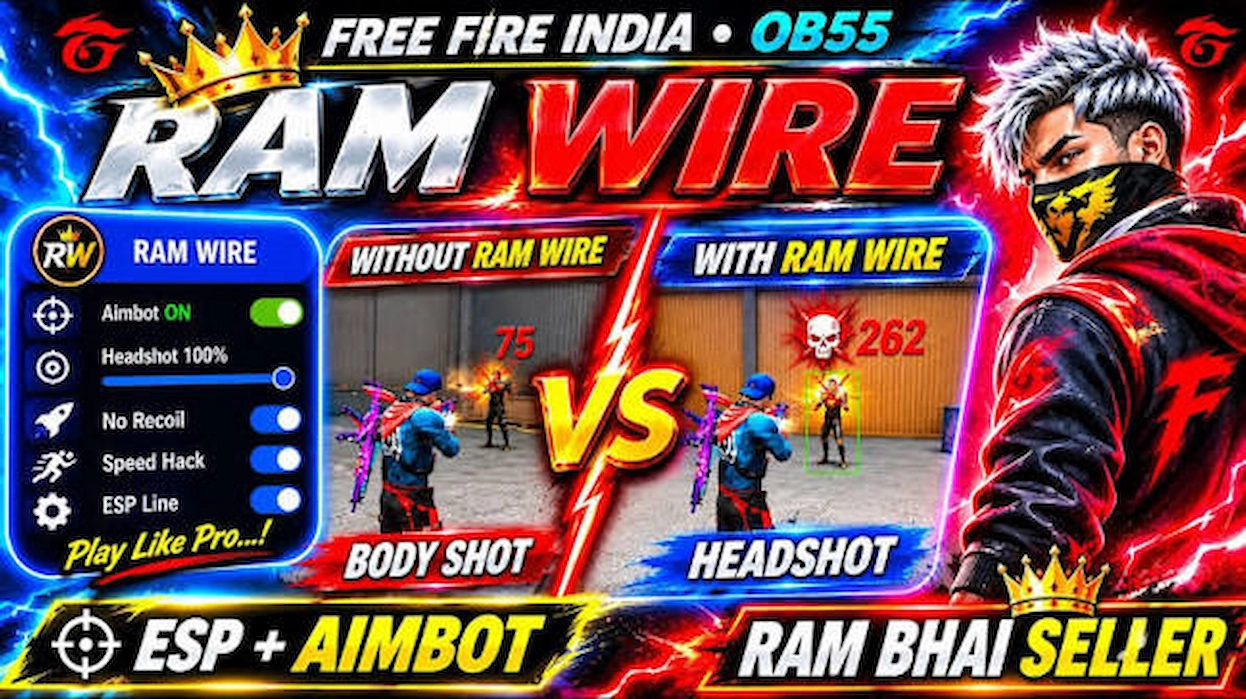

Panel for Free Fire Max APK Download

 Panel for Free Fire Max APK Download – Features, Compatibility & Installation Guide 2026

Introduction

Panel for Free Fire Max APK Download is a keyword searched by Android users interested in third-party gaming tools. Players often want information about application features, device compatibility, installation requirements, and security.

An APK is an Android application installation package. However, downloading an APK from an unknown source can create privacy and security problems.

Panel for Free Fire Max APK Download

Features and Application Information

User-Friendly Interface

A good application should provide clear menus and understandable instructions. This makes it easier for users to identify available settings.

Device Compatibility

Different applications support different Android versions. Always check the minimum system requirements before attempting installation.

Customization Information

Some gaming panels advertise additional customization options. Check the developer’s documentation to understand which features are genuinely supported.

How to Check APK Compatibility

Before installing an application, consider the following points:

  • Check the Android version requirement.
  • Review the available storage space.
  • Verify the developer’s information.
  • Read the application description.
  • Check requested permissions.

These steps can help you avoid unnecessary installation problems.

Free Fire MAX Settings for Better Gameplay

Players can improve their experience through built-in settings.

Sensitivity: Adjust aiming sensitivity according to your preferences.

HUD: Arrange controls to make movement and shooting comfortable.

Graphics: Choose settings that work smoothly on your phone.

Training: Practice aiming and movement regularly.

Is Downloading Third-Party APK Files Safe?

Not every APK available online is trustworthy. Some files may contain malware or request access to personal information.

Avoid downloading applications that ask for your Free Fire account password. Also, remember that unauthorized modifications may result in account restrictions.

Conclusion

Panel for Free Fire Max APK Download is a relevant search term for players exploring Android gaming tools. Before downloading an application, verify its authenticity, compatibility, and permissions. Official game settings remain a safer starting point for improving your gameplay.


Free Fire Max Panel

 Free Fire Max Panel – Features, Customization & Android Guide 2026

Introduction to Free Fire Max Panel

Free Fire Max Panel is a commonly searched keyword among players interested in additional customization options for Free Fire MAX. The game offers enhanced graphics, detailed environments, attractive animations, and competitive battle royale matches.

Free Fire Max Panel

Android gamers often search for different panels to learn about their advertised features and compatibility. Before installing any external application, users should understand its purpose and potential risks.

Main Features of Free Fire Max Panel

Customization Options

Some applications marketed as Free Fire Max panels advertise additional customization settings. Always check the actual application information because advertised features may differ between versions.

Easy Navigation

An understandable interface helps users explore different menus without unnecessary confusion.

Android Device Support

Application compatibility depends on the Android operating system and device specifications. Checking these requirements can help prevent installation problems.

Free Fire MAX Gameplay Improvements

You do not need an external panel to improve your gaming experience. Free Fire MAX already provides several settings that players can customize.

Sensitivity Settings

Choose sensitivity levels that match your screen size and aiming preferences.

Graphics Settings

Select suitable graphics settings according to your device’s performance.

HUD Customization

Arrange the movement, shooting, and other control buttons according to your comfort.

How to Download a Panel APK

If you are researching a third-party panel, first verify its developer and source. Check the application’s compatibility and permissions before downloading it.

Avoid APK files that promise unlimited diamonds, automatic headshots, or guaranteed anti-ban protection.

Safety and Security

Unofficial applications may contain unwanted advertisements, malicious software, or suspicious background activities. Some tools may also violate Free Fire’s policies.

Using official game settings is a safer way to customize your experience.

Conclusion

Free Fire Max Panel is a popular search among Android players looking for additional gaming customization. Understanding application compatibility and security is essential before installing any APK. With suitable sensitivity, comfortable controls, and consistent practice, players can enjoy a better Free Fire MAX experience.

Free Fire India Panel

 Free Fire India Panel – Features, Android Download & Gameplay Guide 2026

Introduction to Free Fire India Panel

Free Fire India Panel is a popular search term among Android gamers who want to explore different gaming tools and customization options. Free Fire offers an exciting battle royale experience where players compete against opponents, collect weapons, and develop strategies to survive until the end.

Free Fire India Panel

Many users search for panels that advertise additional settings, headshot options, and gameplay customization. However, not every third-party application is officially supported, so understanding its features and safety is important before downloading anything.

Features of Free Fire India Panel

Simple User Interface

A simple interface makes it easier for users to understand different application settings. Clear menus and instructions can improve the overall user experience.

Android Compatibility

Players generally look for applications that support different Android devices. Compatibility depends on the Android version, hardware specifications, and application requirements.

Gameplay Customization

Some third-party panels advertise customization options related to aiming and controls. Users should verify which features actually work instead of trusting promotional claims.

How to Download Free Fire India Panel on Android

Before downloading any third-party APK, check the developer’s information and application source.

  1. Find reliable information about the application.
  2. Check its Android compatibility.
  3. Review the requested permissions.
  4. Scan the APK file with a trusted security application.
  5. Avoid files from suspicious download websites.

Remember that unknown APK files may contain harmful software.

Best Settings for Free Fire Players

Players can improve their performance through official game settings. Adjust sensitivity according to your device, customize the HUD layout, and practice aiming in training mode.

Regular practice can help develop better movement, reaction time, and shooting accuracy.

Is Free Fire India Panel Safe?

Not every application advertised as a Free Fire panel is safe. Some unofficial tools may request unnecessary permissions or contain modified files. Unauthorized applications can also create account-related risks.

Never share your game login information with unknown applications.

Conclusion

Free Fire India Panel is an interesting search topic for Android gamers exploring different customization tools. However, users should prioritize application security and official game settings. Proper sensitivity, a comfortable HUD, and regular training provide a reliable way to improve gameplay.