
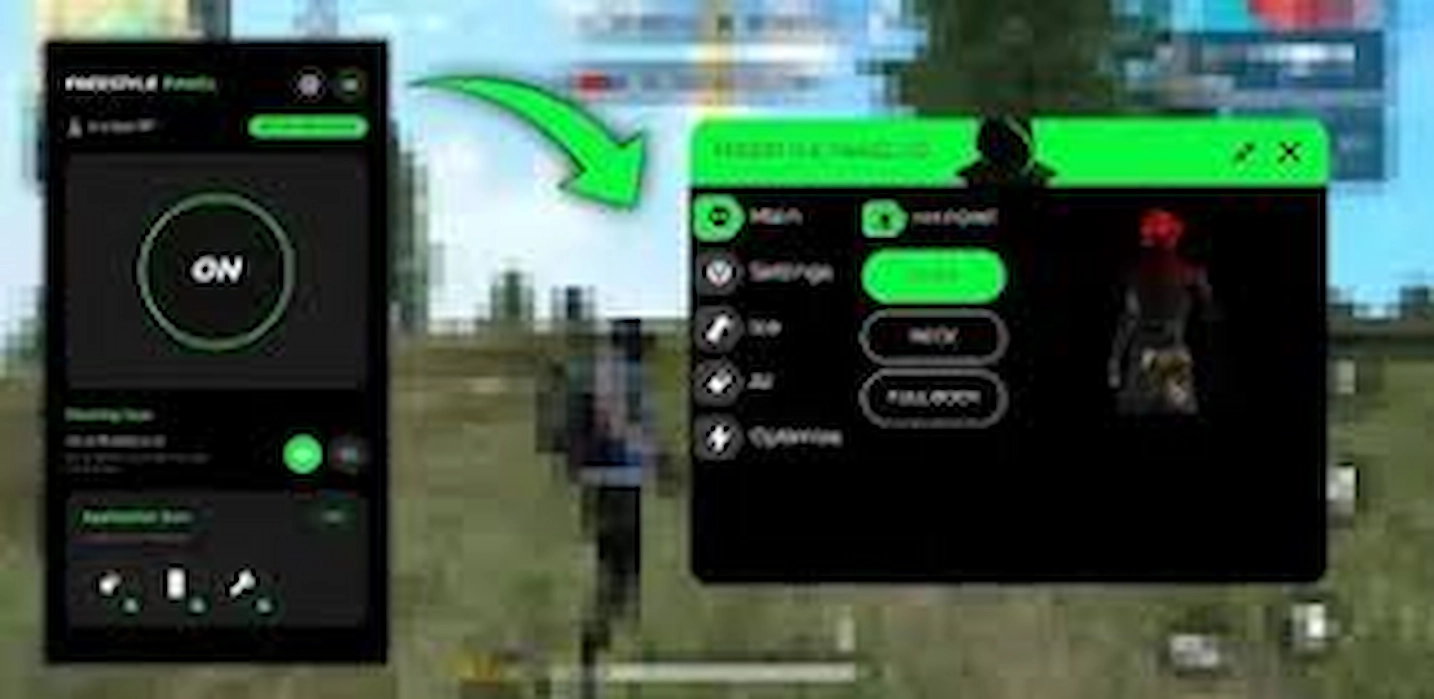
What Is Freestyle Panel APK?
Freestyle Panel APK is a keyword searched by Android users interested in gaming customization applications. Free Fire players often explore different panels to learn about their advertised features and possible compatibility.
However, an application’s name does not guarantee that it is official, safe, or supported by Free Fire.
Freestyle Panel APK Features
User-Friendly Interface
An organized interface can make an application easier to understand. Clear instructions help users identify its purpose.
Application Customization
Some third-party tools advertise additional gaming-related settings. Always check the application’s documentation to understand its actual functions.
Android Device Support
Different applications have different system requirements. Check the supported Android version before downloading any APK.
How to Improve Your Free Fire Experience
You can improve your gameplay with a few practical techniques.
Improve Aiming
Practice aiming in training mode and learn how different weapons behave.
Adjust Sensitivity
Choose sensitivity levels that match your device and playing style.
Customize Controls
Arrange the HUD buttons so that movement and shooting feel comfortable.
Maintain Device Performance
Close unnecessary applications and keep enough storage available.
Freestyle Panel APK Download Guide
Before downloading any third-party application, check the developer’s identity and source. Review the permissions and avoid files from suspicious websites.
Some APK files may contain unwanted advertisements or harmful software. Do not share your Free Fire login information with third-party tools.
Is Freestyle Panel Safe?
The safety of Freestyle Panel APK depends on the actual file and its developer. Unverified applications may create privacy and account-related risks.
Avoid tools that advertise guaranteed headshots, unlimited diamonds, or permanent anti-ban features.
Conclusion
Freestyle Panel APK is a gaming-related search term for Android users interested in Free Fire customization. However, application verification should always come before installation. Use official game settings and practice regularly to develop better aiming and movement skills.